How to create a WIFI WLAN Hotspot in your Laptop.
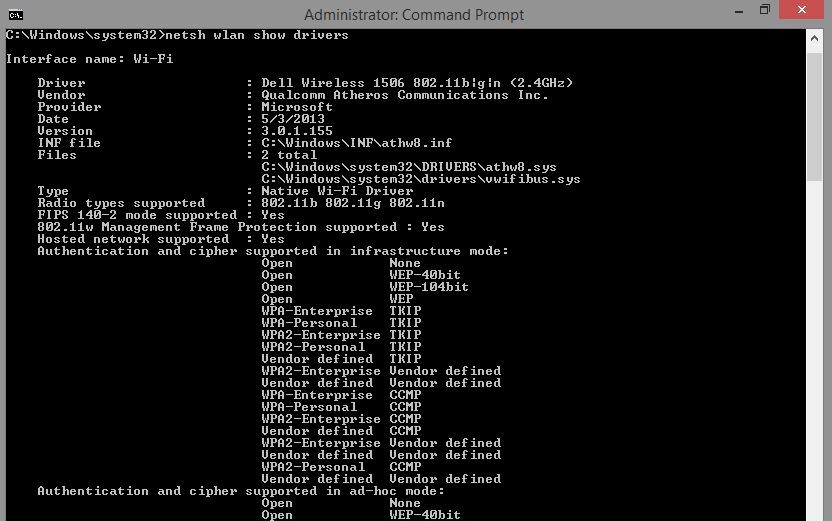
Sometime we wanna create a wifi hotspot while we have connected a donggle or wired broadband connection. We use some third party software like virtual hotspot. But here we DON'T NEED ANY THIRD PARTY SOFTWARES. Screenshots: The command window In mobile show - Wifi hotspot successfully created In mobile - Entering the password In mobile shows - Connected to your PC. The commands: We have to run the cmd as a administration. First check weather wlan drivers are available on your pc or not. C:\Windows\system32> netsh wlan show drivers Now we configure the hotspot. We will give the username and password C:\Windows\system32> netsh wlan set hostednetwork mode=allow ssid=Tejas-PC key=dubaramatpuchna Now we on the hostednetwork or hotspot . C:\Windows\system32> netsh wlan start hostednetwork After using the wifi to turn off the hotspot give command. C:\Windows\system32> netsh wlan stop hostednetwork C:\Windows\system32...